Administrator or kernel malware defeats it.
The normal process protections are for other programs running under your user account.
Administrator/SYSTEM access, SeDebugPrivilege, a kernel driver or rootkit can bypass them.
What is on screen can still be reconstructed.
Displayed glyphs become pixels in GPU memory. A normal CPU string scan does not see
those pixels, but in-process code, OCR or a camera can still capture what is visible.
The in-memory veil has a key.
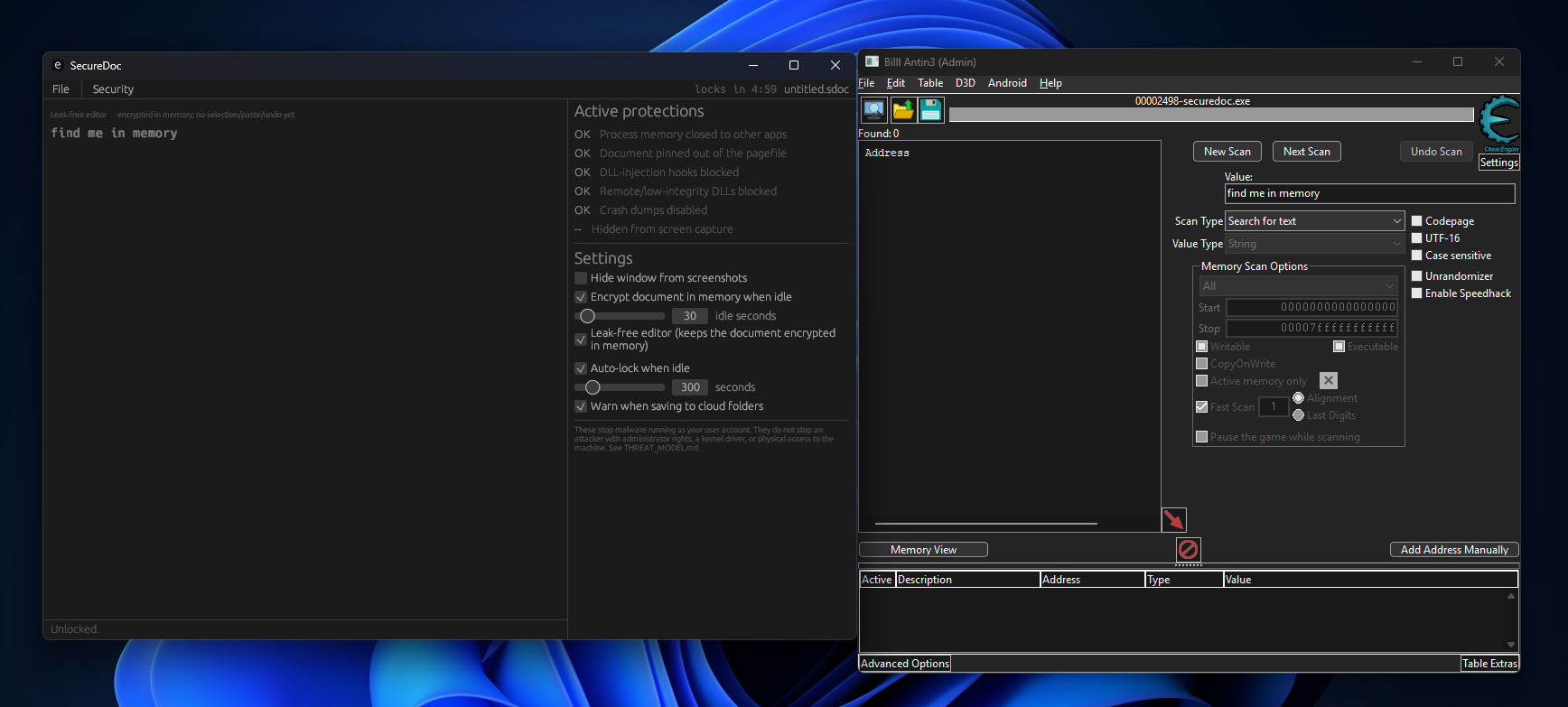
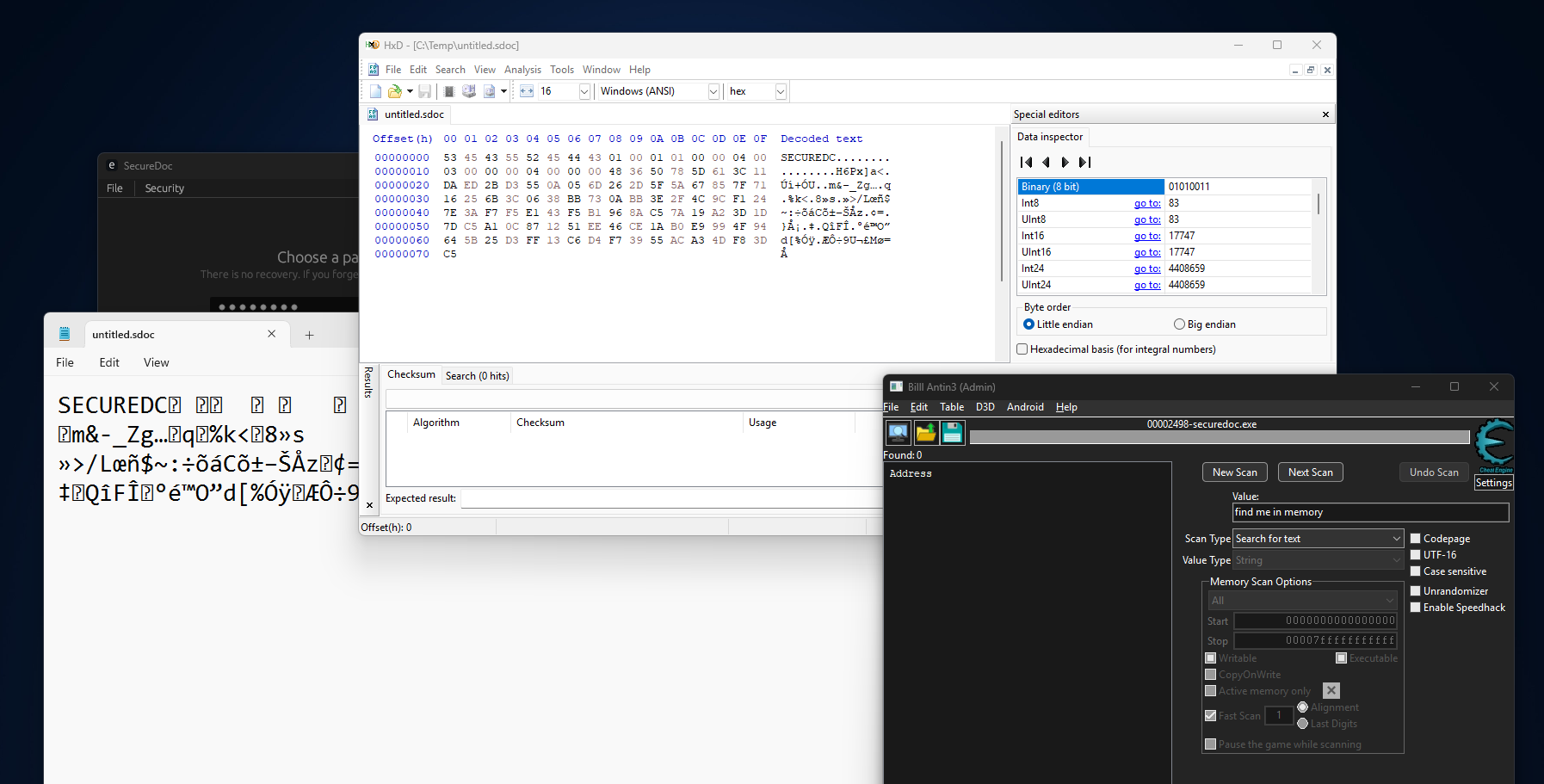
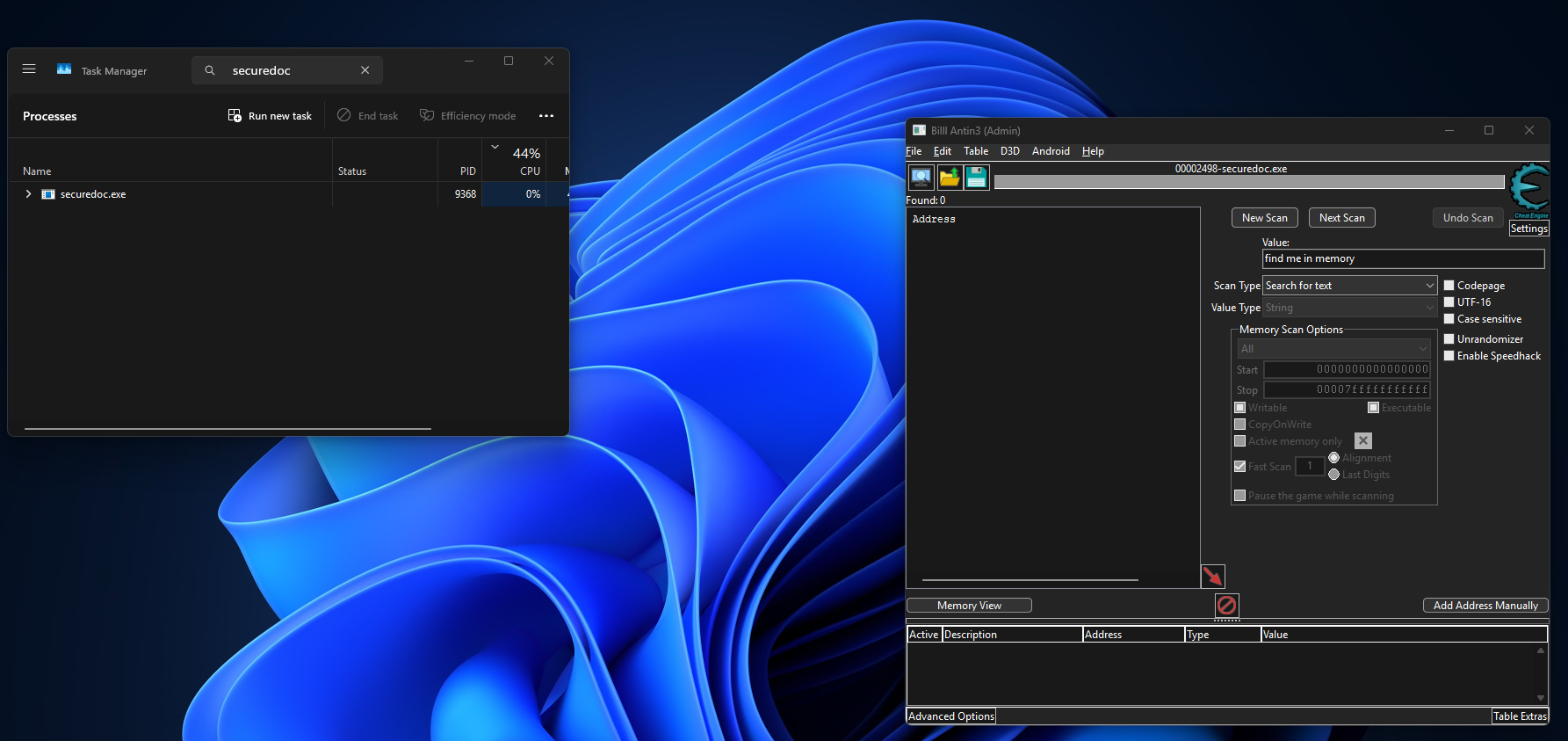
The default editor defeats simple memory scanning by storing ciphertext instead of
readable document text. Code executing inside SecureDoc can still obtain the key
or hook the render/edit path.
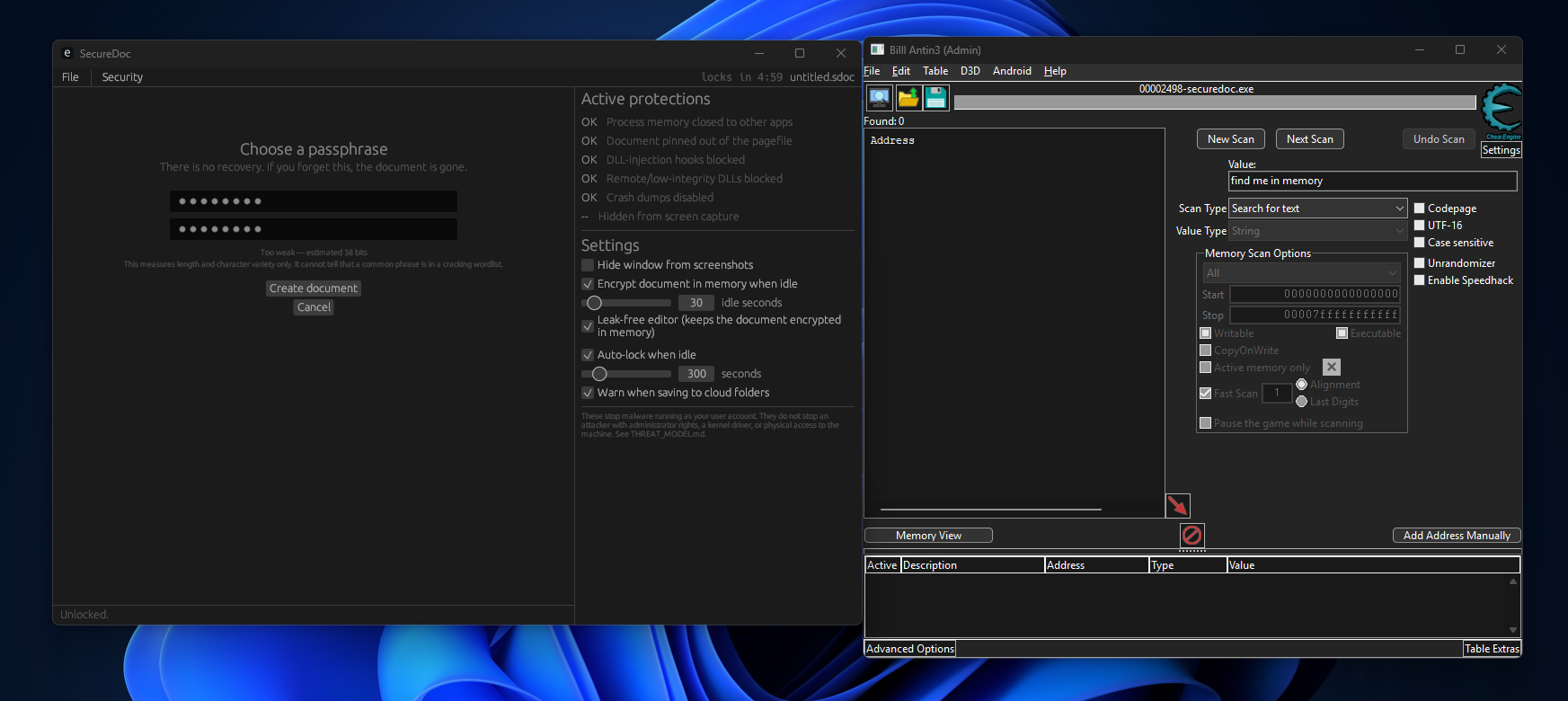
No recovery.
If you forget the passphrase, the encrypted document cannot be reset through a
SecureDoc back door because there is no back door.
The Windows system clipboard is a weak point.
Normal in-app copy/paste stays encrypted inside SecureDoc. If you deliberately copy
to the system clipboard, one plaintext copy is handed to Windows and may be read by
other software while it exists there.
Early editor limitations remain.
The current prototype does not yet have click-and-drag selection, and very large
files need additional word-wrap/performance tuning.